- Posts
- 2
- Likes
- 0
shanks
·Hi guys. The Chronomaster card cannot be scanned when I use my omega app. It says "not able to scan" and this makes me a little worried about my seamaster.
Sometimes when it scans it brings me to the official omega website but it's in Chinese. No details of the watch comes up.
I bought it from a dealer here in Melbourne. I have attached the photos too including the serial number showing on the cards. Can someone pls help? Thank you so much!
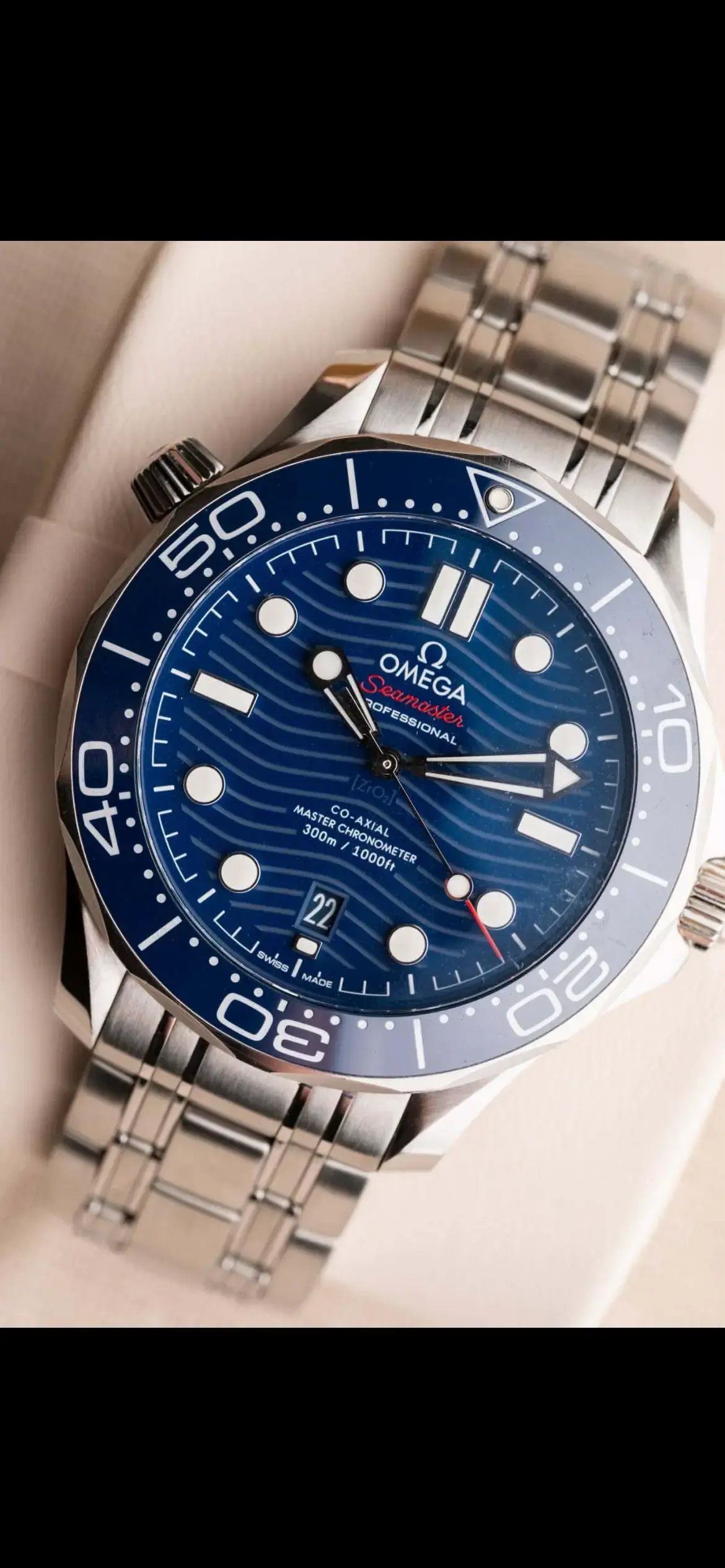
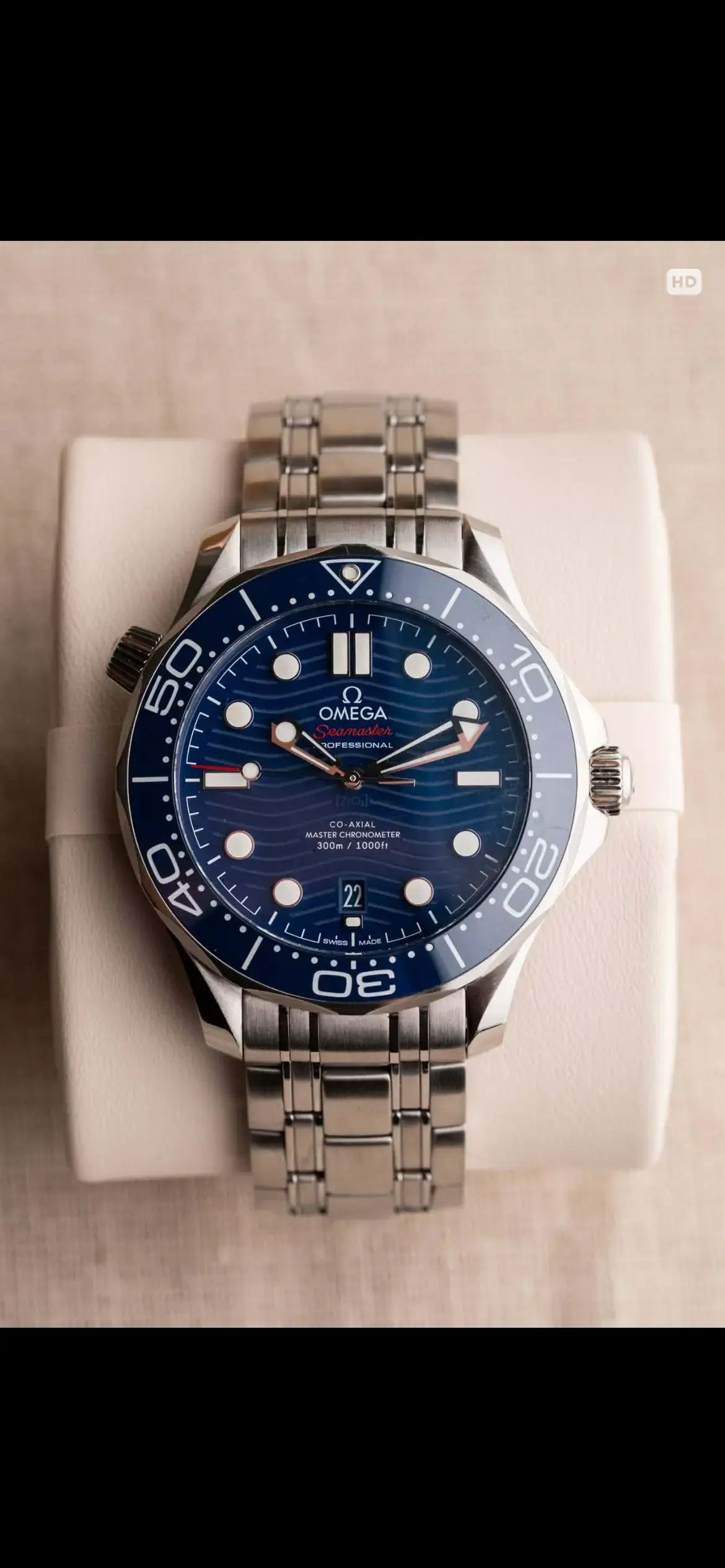
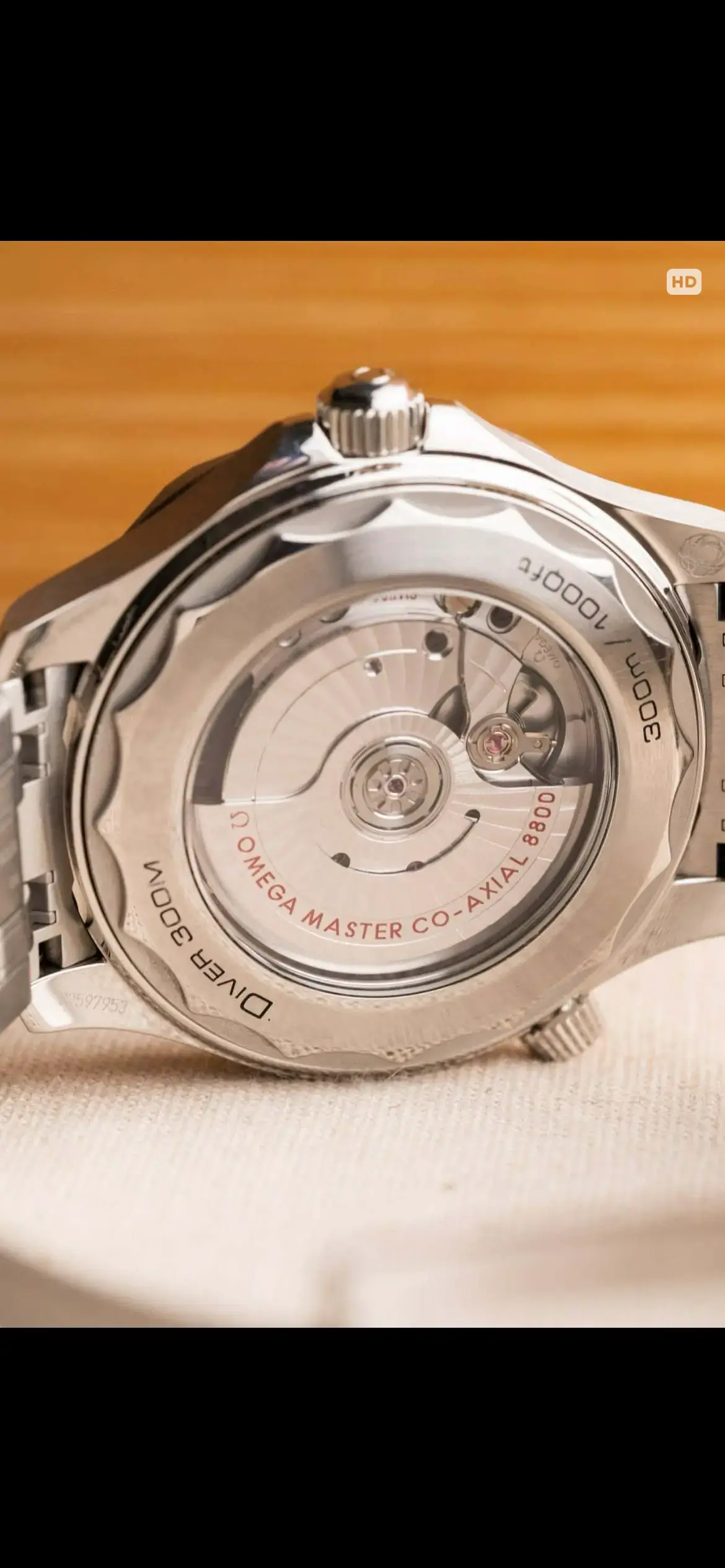
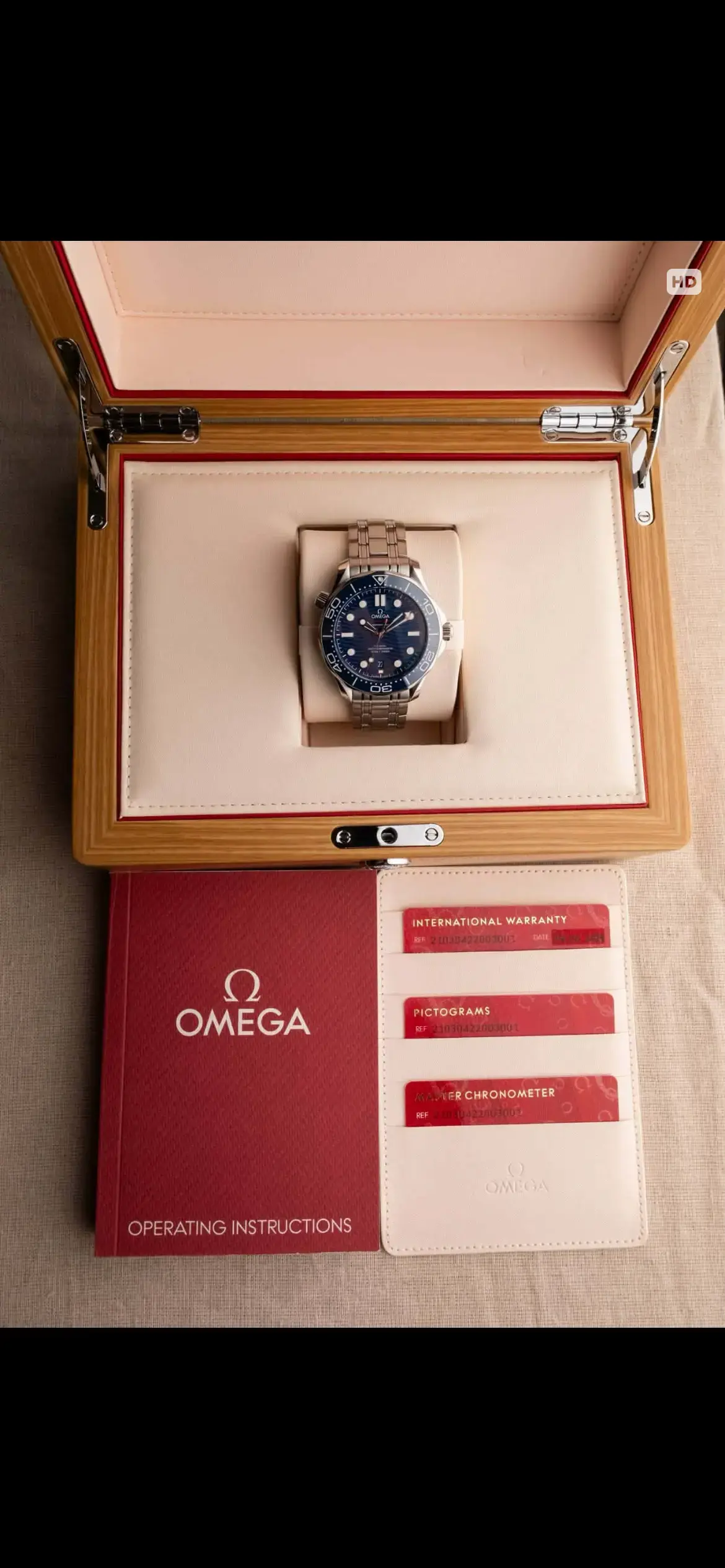
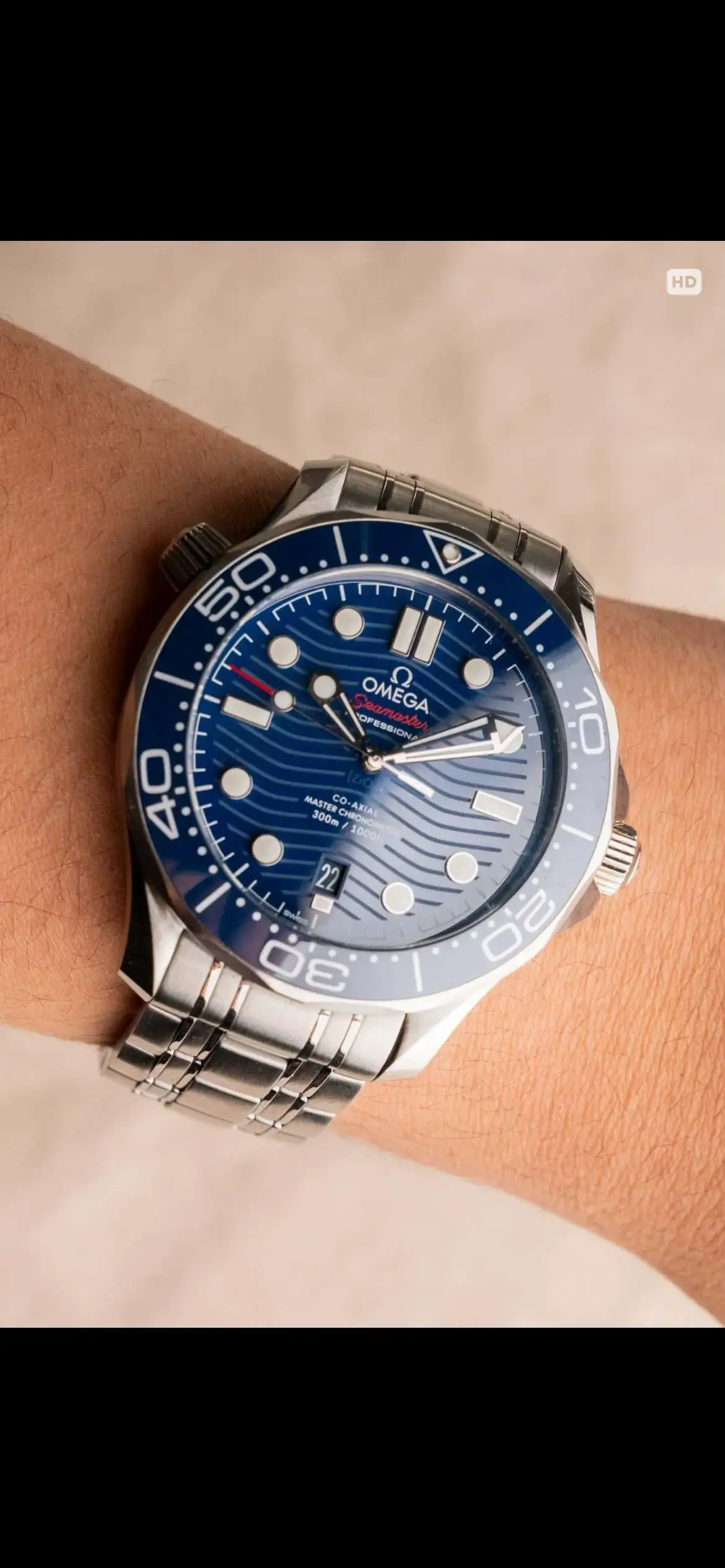
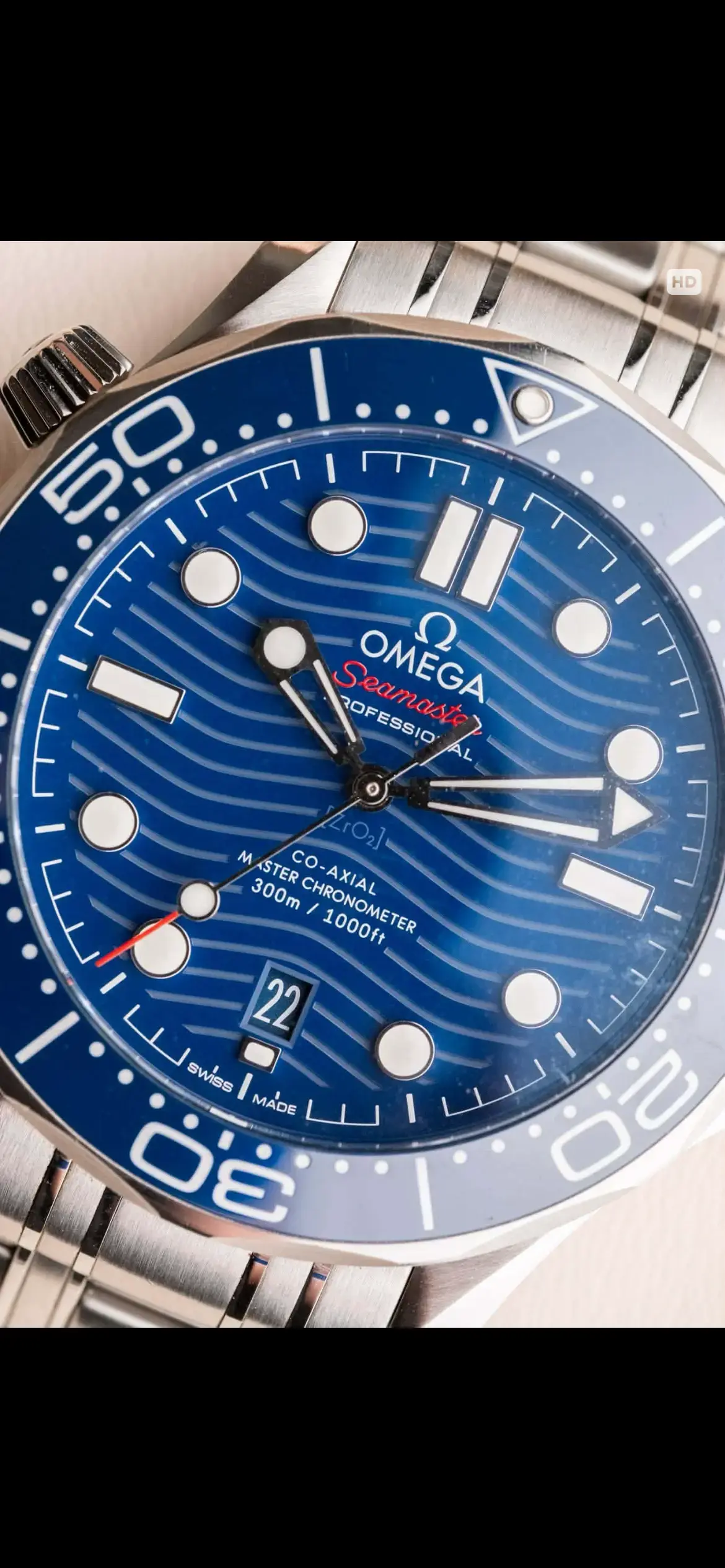
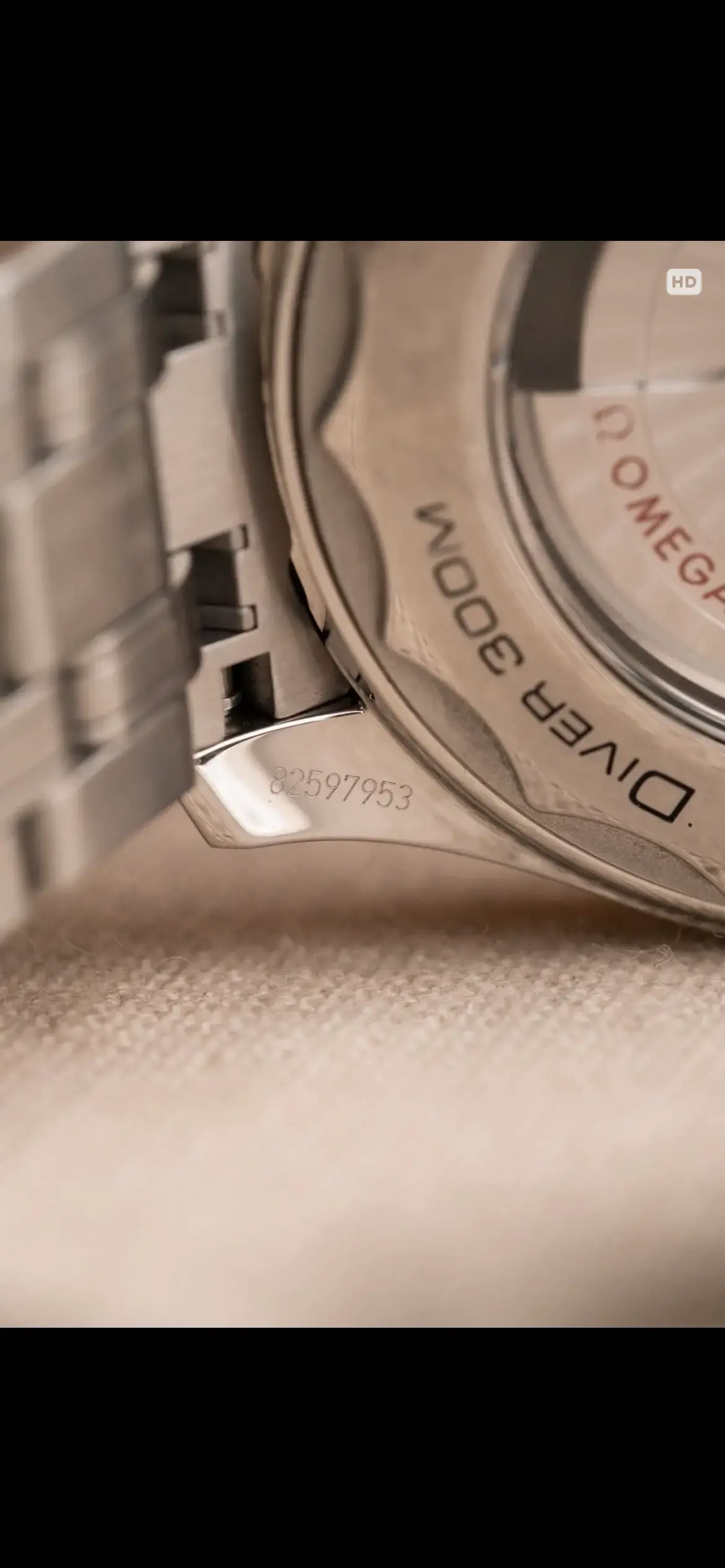
Sometimes when it scans it brings me to the official omega website but it's in Chinese. No details of the watch comes up.
I bought it from a dealer here in Melbourne. I have attached the photos too including the serial number showing on the cards. Can someone pls help? Thank you so much!